Korean Learner
Chrome extension and iOS companion app for learning Korean from real web pages.
About this app
Korean Learner helps you collect and study Korean vocabulary while you read online. It is published by the independent developer listed below. This page describes what the app does and how it uses data — no sign-in is required to read this information.
Developer contact: angloo2021@gmail.com
What the app does
Chrome extension (Mac & PC)
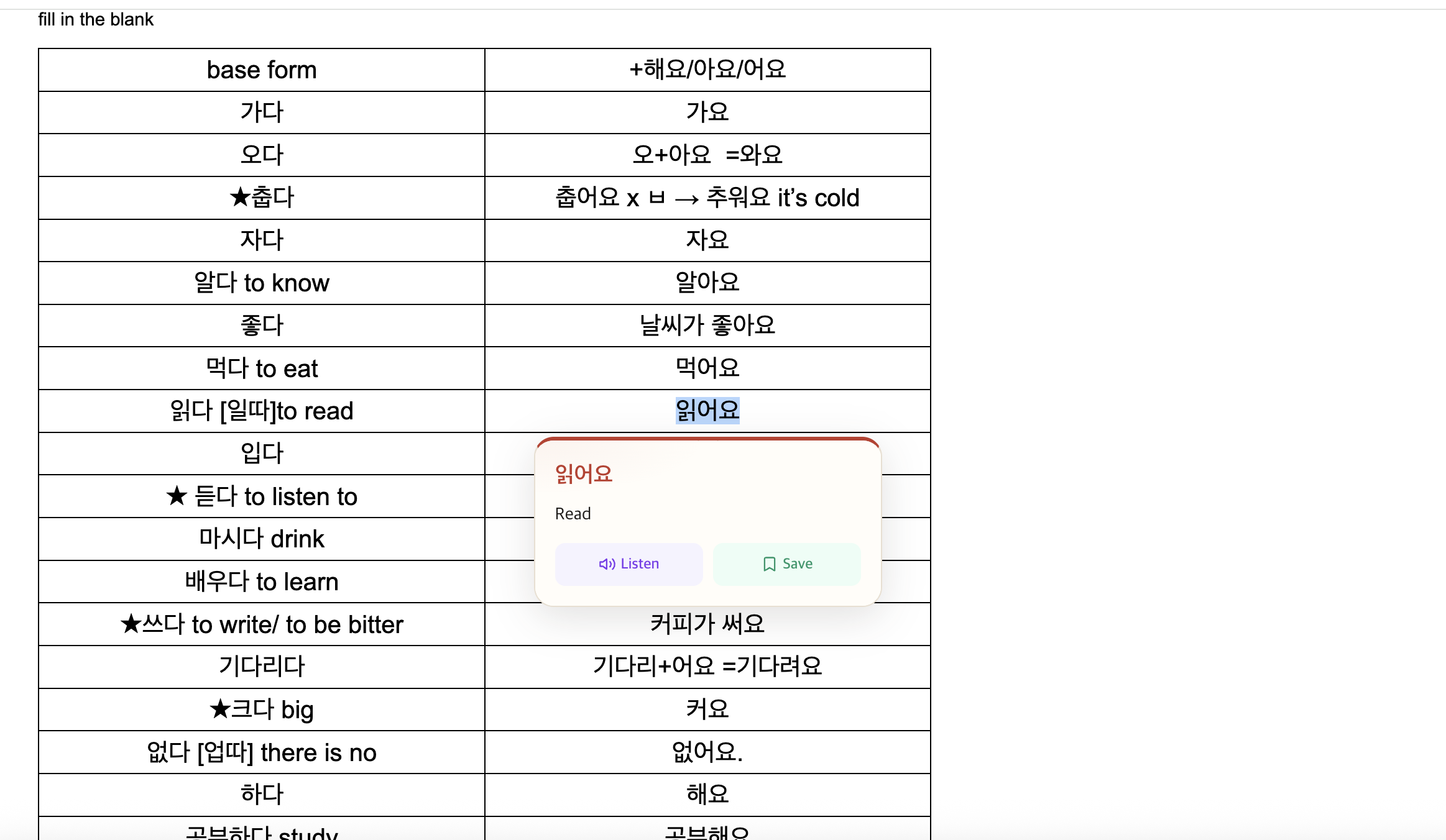
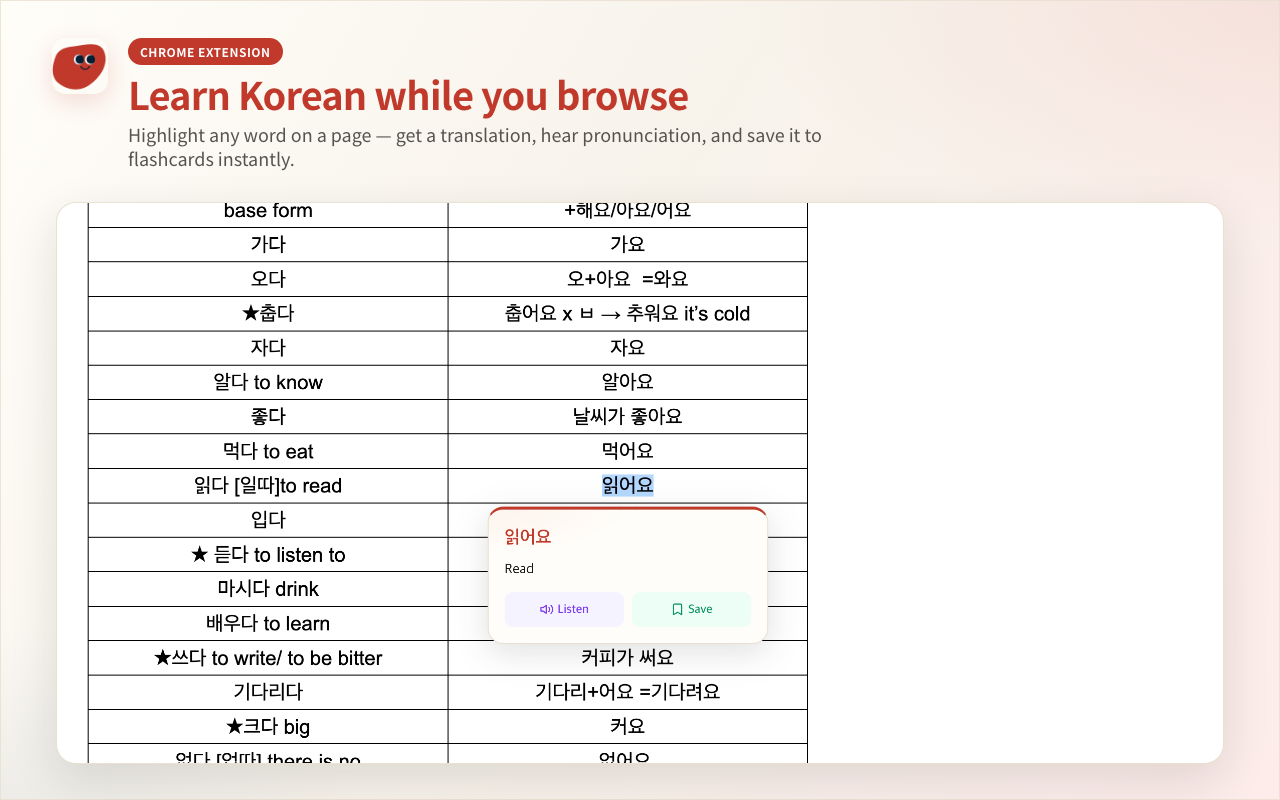
- Highlight Korean text on any webpage to translate it to English
- Play Korean pronunciation (text-to-speech) for highlighted text
- Right-click images to extract and translate Korean text (OCR)
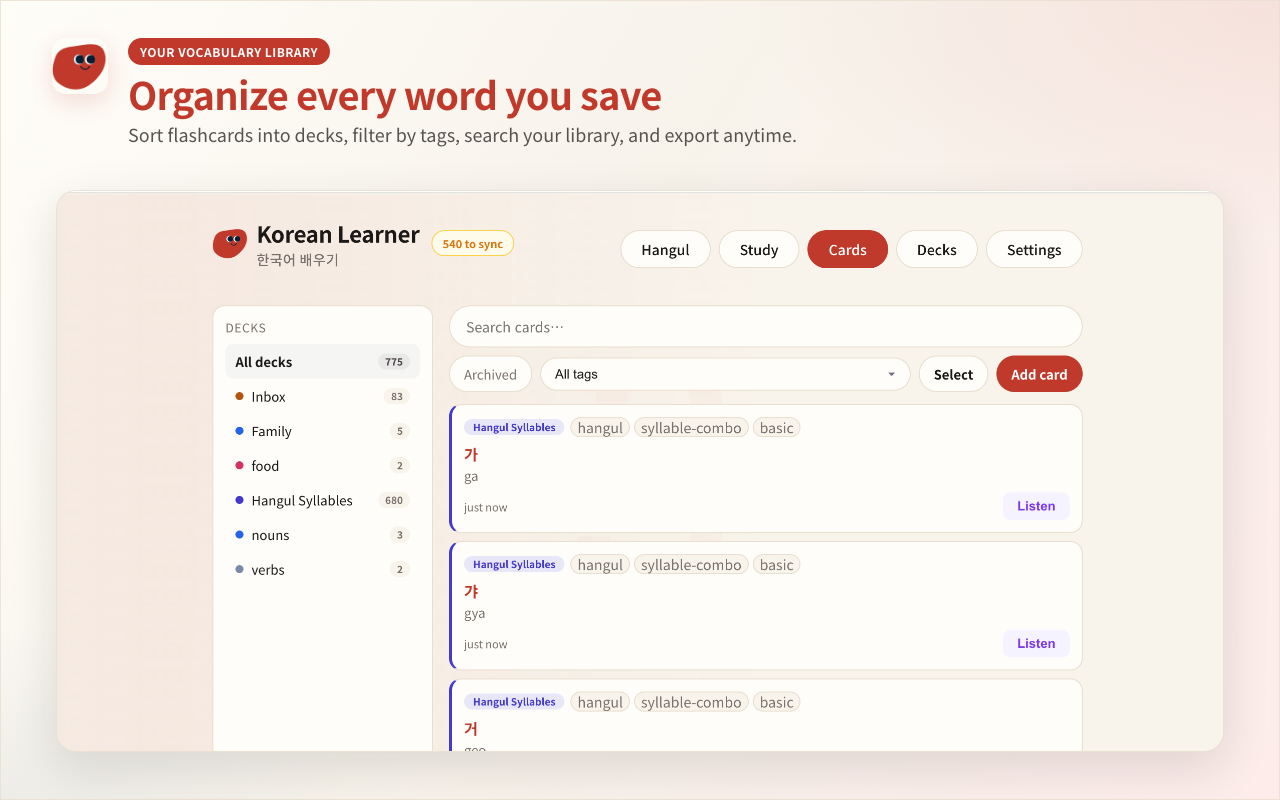
- Save words as flashcards to a built-in library (decks, tags, search)
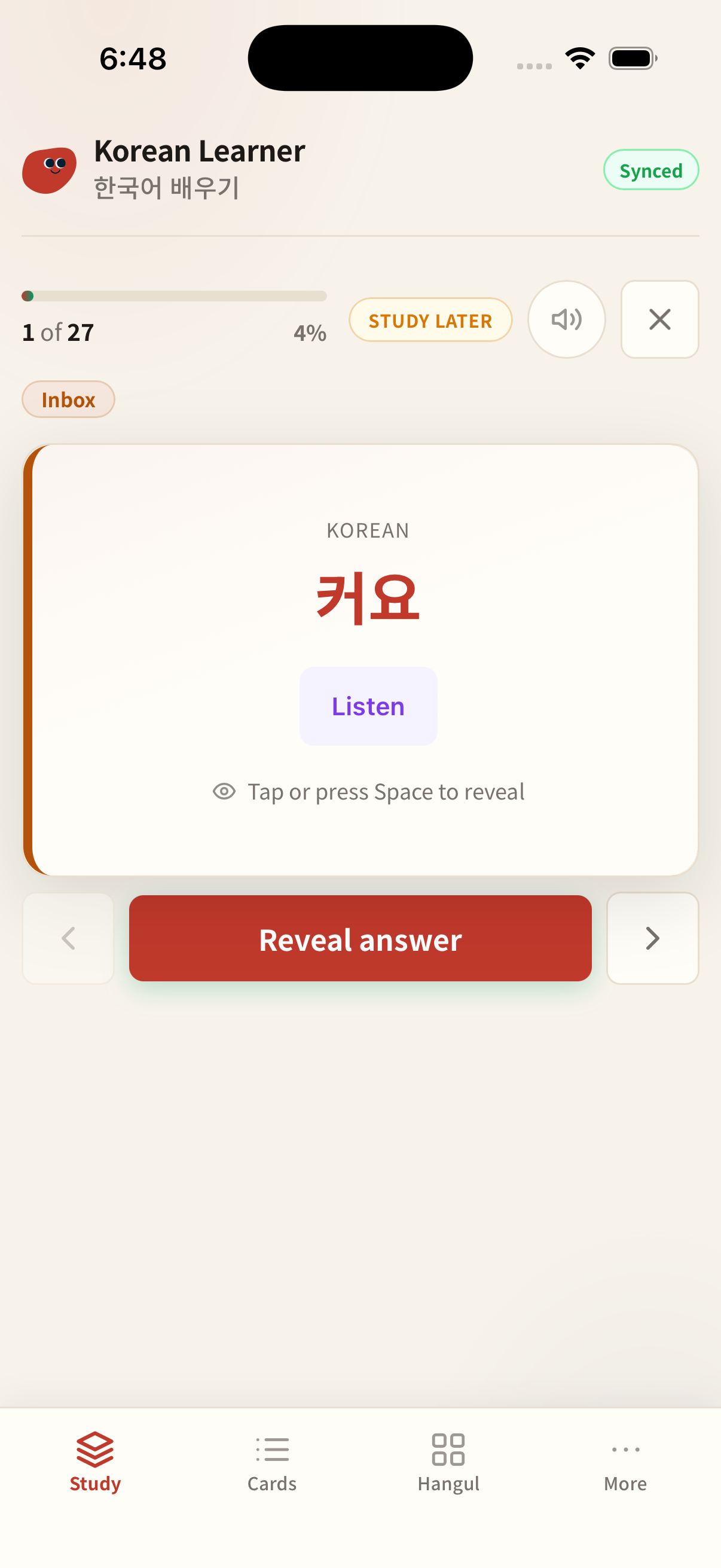
- Study with flip cards and optional audio in the library tab
iOS app (optional companion)
- Study saved flashcards on your phone
- Create and edit cards, decks, and tags
- Optionally sync decks with the Chrome extension when signed in with Google
Data we access and why
We request or process user data only to provide the features above:
- Text you highlight or image regions you choose — sent to our API only to translate, pronounce, or OCR. Request content is forwarded to Google Cloud APIs and is not stored or logged on our servers.
- Flashcards and decks you create — stored locally on your device. If you optionally sign in with Google, your cards are backed up to Firebase Firestore under your account so you can sync between devices.
- Google account (optional sign-in) — if you choose to sign in, we receive your Firebase user ID, email, and display name from Google to identify your sync account. Sign-in is not required for translate, listen, OCR, or local flashcards.
- Anonymous usage counts — we track daily counts (translations, TTS, OCR, saves) to enforce fair rate limits. We do not attach your Korean text or images to these counts.
Full details are in our Privacy Policy.